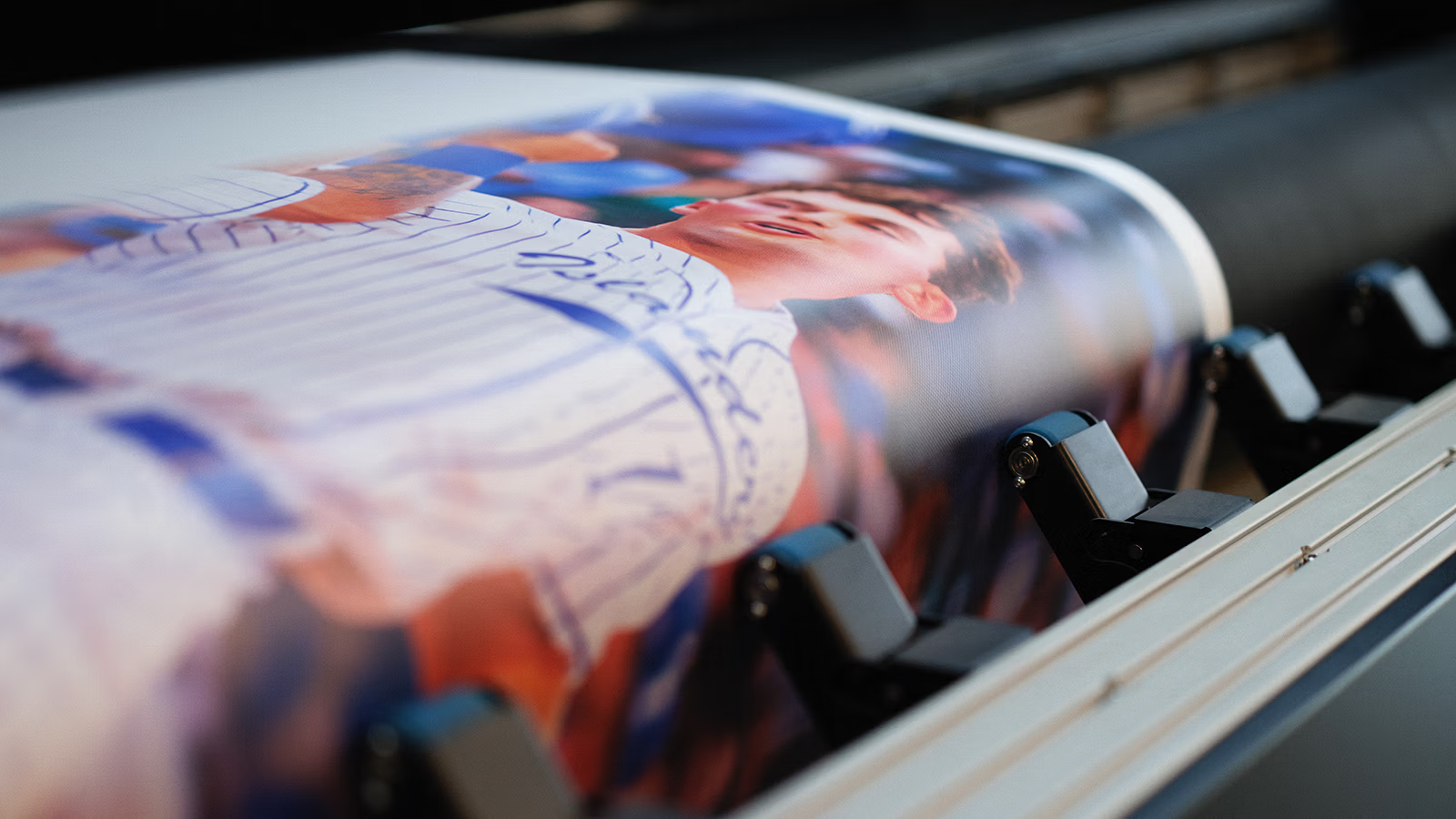
We want your finished install to look amazing. To get sharp, clear logo, letting or graphic prints without revision delays—you'll need to send us the highest-quality version of your artwork upfront. In this guide, we’ll walk you through what to send us for photos, logos, or custom lettering—plus the easiest way to bundle and share your files for faster processing. Scroll to the section below that matches the type of artwork you're printing and you'll be good to go!
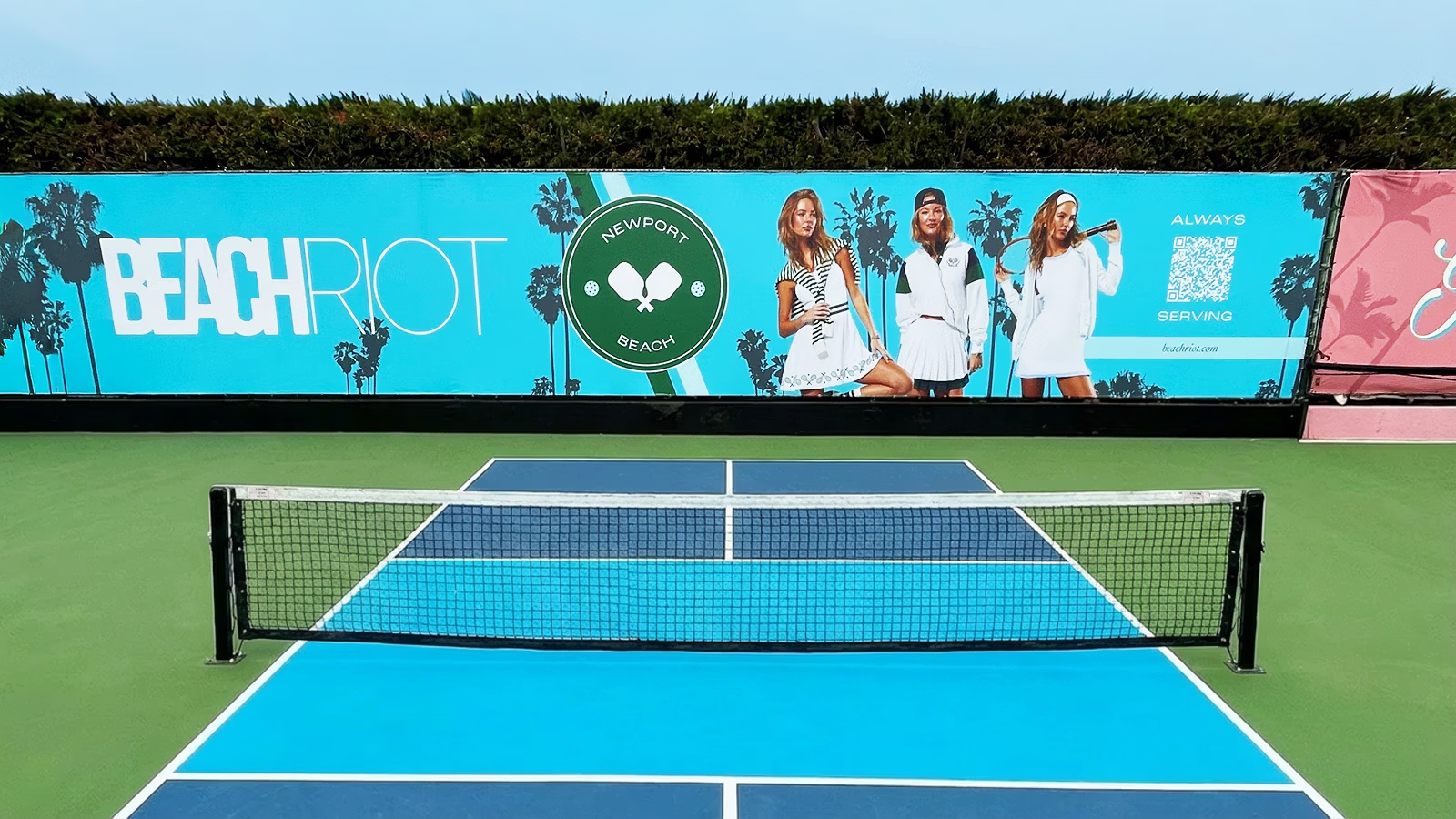
High-quality image files.
Accepted file types: JPG, TIFF, PDF, PSD.
If your image came from a screenshot, social media, Google, or a website download it will usually be too small and won’t print well at larger sizes. It may look fine on a phone, but appear blurry when printed.
✅ Send the original image file whenever possible.
The version straight from the photographer or camera is usually best.
✅ Bigger is better.
Larger files give us more detail to work with and produce sharper prints.
✅ Avoid screenshots or downloaded images.
Images saved from social media or websites are usually compressed and too small for large-format printing.
✅ If it looks slightly blurry on your computer—it will look more blurry when printed at large scale.

High quaity vector files.
Accepted file types: PDF, EPS, SVG.
Zoom in closely on your logo file. If it stays perfectly smooth and sharp, you’re good to go. If it looks fuzzy or blocky, we will likely need a better file.
✅ Send the original logo file if possible.
The file from your school, designer, marketing department, or brand kit is usually the highest quality.
✅ Avoid downloading logos from Google or social media.
Those versions are often too small and often look blurry when printed large.
✅ Ask your logo designer for the “vector” version.
This is typically a PDF, EPS or SVG file and gives the best print results.
✅ Don’t copy and paste logos from Word, PowerPoint, or Canva.
Those are often compressed and may not print clearly.
✅ When in doubt, send what you have.
Our team will review it and let you know if anything needs improvement before production.

Font files or print-ready lettering files.
Accepted file types: PDF, EPS, SVG, OTF, TTF.
If your lettering was created in Word, PowerPoint, Canva, or another basic program, the font may change when opened on a different computer. If your text looks exactly how you designed it when zoomed in, you’re likely good to go. If it changes style or spacing when opened on another device, we may need the actual TTF or OTF font file or a revised version.
✅ Send the original TTF or OTF font file if possible.
If you know the font name and have access to the file, include it too.
✅ If a designer created your lettering...
Ask them to “outline” or “convert text to shapes.” This locks in the design so nothing shifts or changes in production.
✅ Avoid sending screenshots of text.
Screenshots reduce quality and will print blurry.
✅ When in doubt, send what you have.
Our team will review your files and guide you if anything needs adjustment before printing.
☑️ Name files clearly:
SchoolName_Logo.pdf
SponsorLogo1.eps
PlayerPhoto.jpg etc.
☑️ If you have multiple items:
Send them all together in a .ZIP file.
☑️ If the files are large:
Use a share link (Google Drive/Dropbox) and make sure access is set to "Public" or “Anyone with the link can view.”
Taking a few extra minutes to provide the right file types and the highest-resolution artwork helps avoid revision delays, keeps your timeline on track, and ensures your custom windscreen, padding, or bleacher wraps look their best. When your graphics are set up correctly from the start, the final result is bold, crisp, and really shines!
Reach out. Our team will happily take a look at what you have and let you know exactly what’s needed.